An update in my adventures of being a sysadmin at home.
The Pfsense box - Part 2

An update in my adventures of being a sysadmin at home.
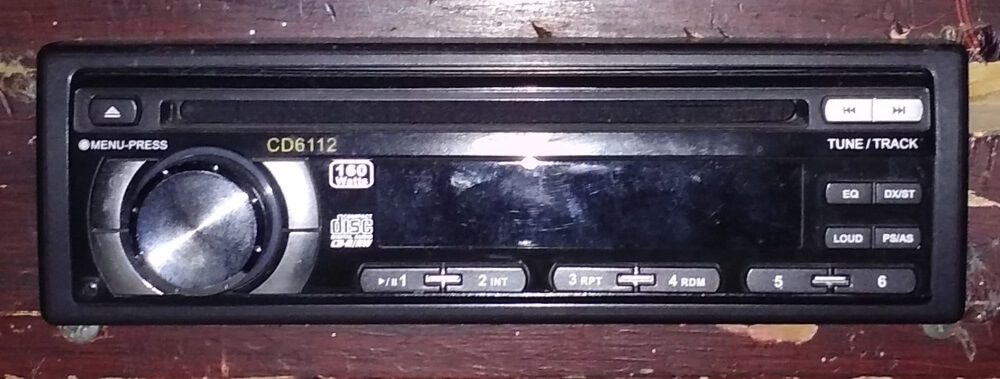
A thing about my PC Radio. :)
Automating Ubuntu 18.04 Installs and possibly older and newer versions
So I made a music server out of an old computer and added 2 additional dvd drives to the one it had already and a sizeable spare hard drive to run the OS and store the music. I used a program called “abcde” to rip CDs to FLAC, OGG, and MP3 complete with metadata and cover art. :) I even found a way to launch the ripping process after inserting a CD. Fully automated until some obsure disc didn’t have any metadata to download. Those had to be manually edited before the ripping process began.
Over the past 8 months or so, I’ve been playing with my Dell R710. It’s a nice system to play on but it could use some SSDs. One day I shall get some. My last post described a bit about it as it currently stands. This post shall be about what I’ve done as far as creating automated system installs for both Windows and Linux.
I know some people might frown on the idea but my deployment system resides within my primary Windows Server 2016 Lab VM also running AD (Active Directory) and TCP/IP Routing to a isolated virtual network of things.
An update on my lab server.
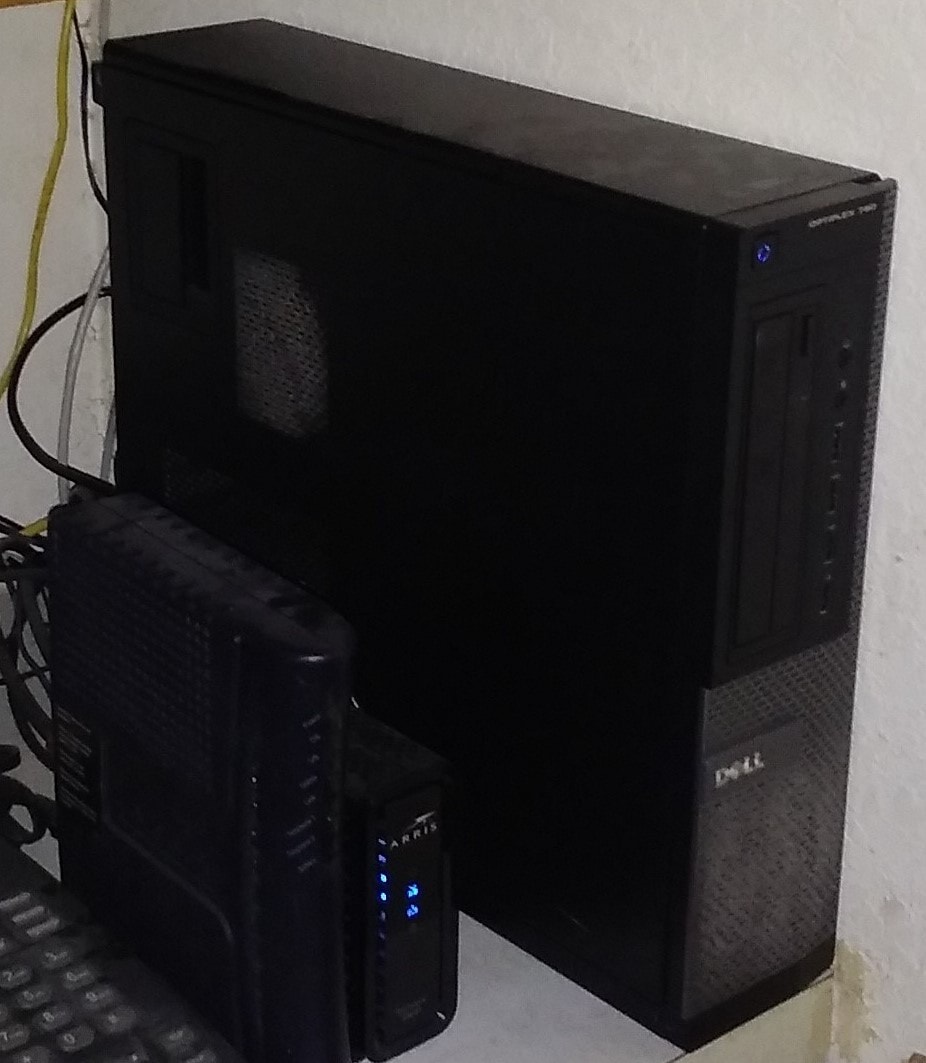
This is my pfsense box, the dell optiplex 790 computer there. I use it in place of a consumer router since the ones I’ve used in the past would quickly approach their limits. They just couldn’t handle the growing collection of internet connected devices. I have a Netgear WNDR3700v3 and TP-Link W8980v1 serving as Wi-Fi Access Points that used to serve as the home router until they started crashing or dropping connections.
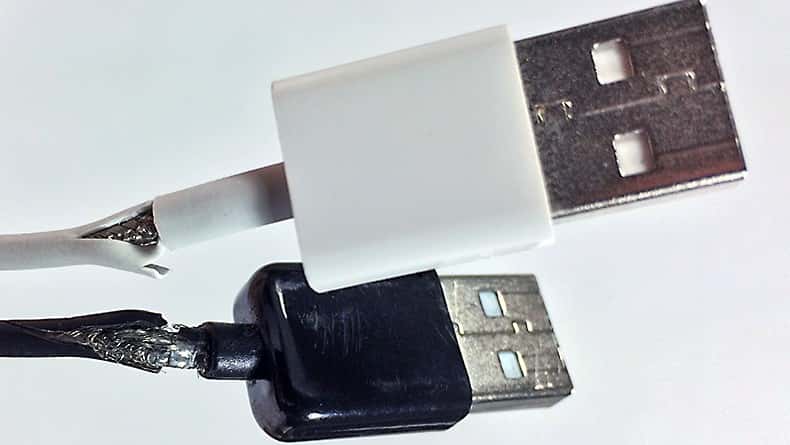
Don’t do this. This is bad. Stop pulling on the flexy bits, take your hands and grasp the hard part and gently remove the cable from your device.
Cables are cheap, yes, but avoiding expensive fires from shorting the wires out and melting things is a whole lot better. Just. Stop it. K?
Today, I decided to try and migrate a few VMs I have on Virtualbox to Hyper-V and it didn’t go so well. It’d probably had worked out kinda ok if I just did fresh installs but I went the disk conversion route.
So I converted the virtual disks twice, VDI (Virtualbox’s Default) > VHD (A more universal disk) > VHDX (For Hyper-V). That was fun.
Only to find out that 1) Windows 7 must have been installed wrong on Virtualbox with a SATA controller so I couldn’t get it to boot on Hyper-V no matter what I tried. It kept blue-screening with the error 0x0000007B. I googled it and tried some registry “hacks” to start the IDE service (I think) but it kept failing. To edit the registry, I had to mount the VHD to my windows host and open the system hive in the local registry editor.
So I finished the fan controller mod on my R710. Now all you see is a nob sticking out where a tape drive might be installed. :)
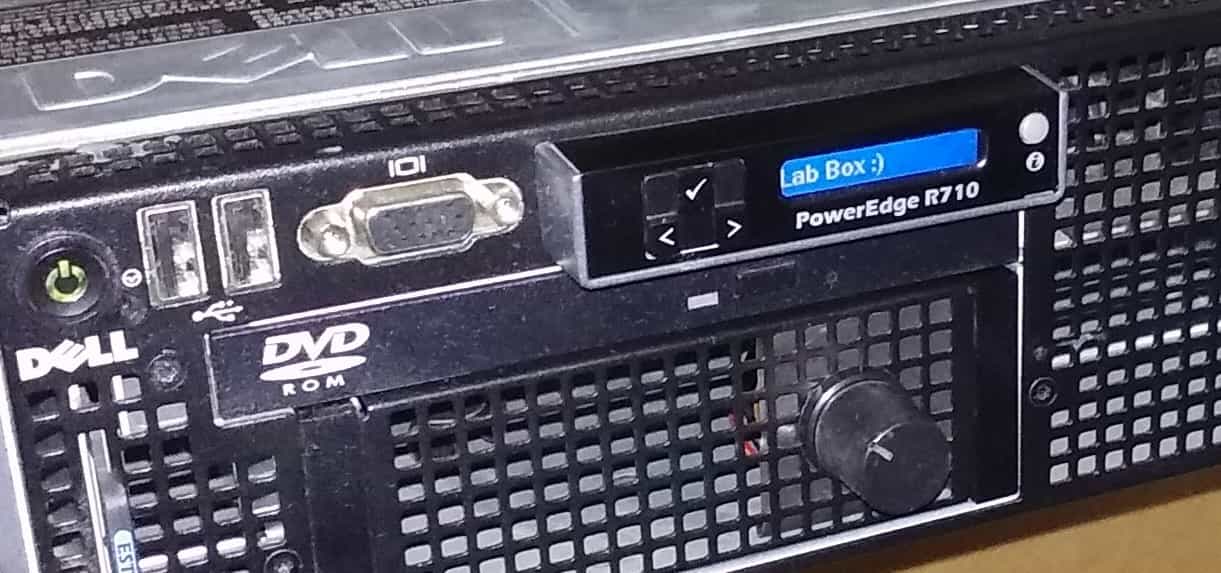
The controller is based on an Arduino Nano with a 10k Potentiometer for control. Positive and Negative from the power supply for the Arduino and outside posts of the Potentiometer. Center post goes to A0. D3 of the Arduino goes directly to the PWN pins of the fans. There is a 1uF capacitor on the reset and ground pins to force the Arduino to reset upon power up so the program doesn’t freeze and let the fans go full throttle.